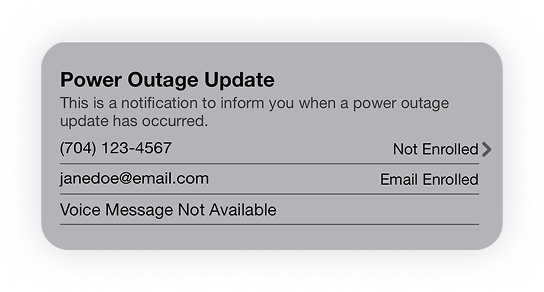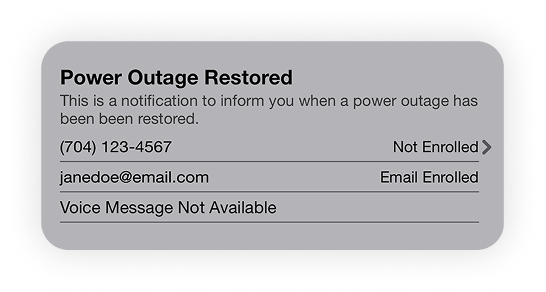
We do our best to prevent outages, but when they do happen we want to make sure we keep you informed. Enroll in our text alerts through My EnergyHub today.
Step 1
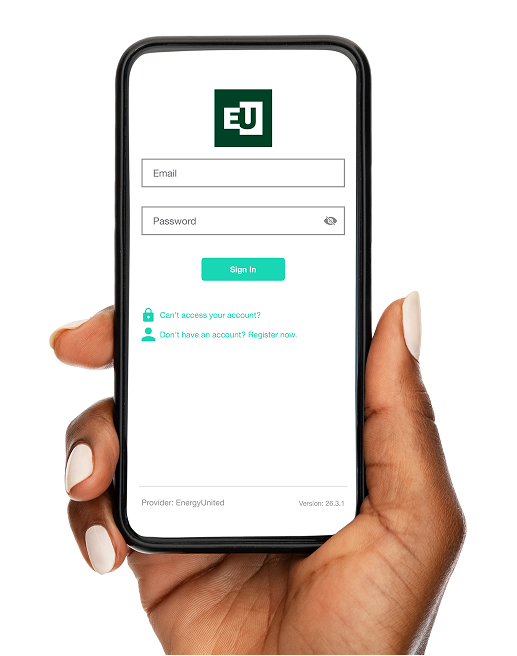
Log on to My EnergyHub either via desktop at EnergyUnited.com or through the My EnergyHub mobile app.
Step 2
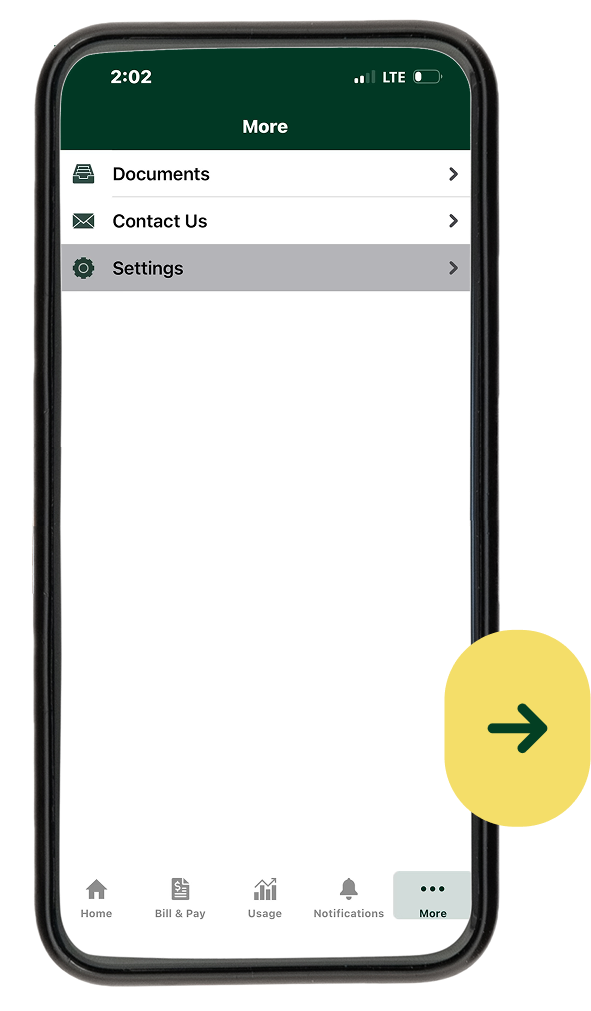
Go to Settings
Step 3
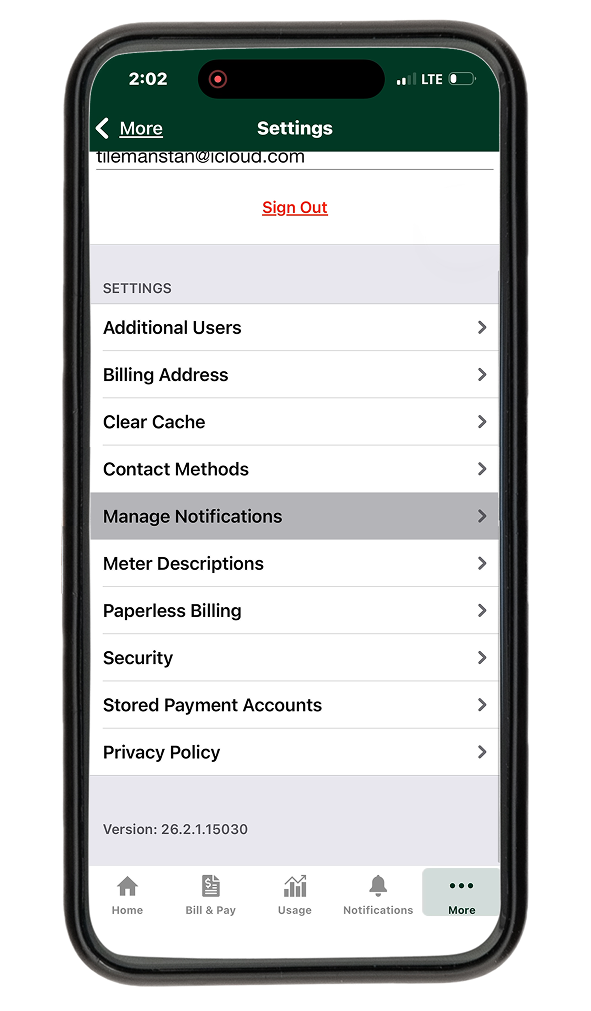
Manage Notifications
Step 4
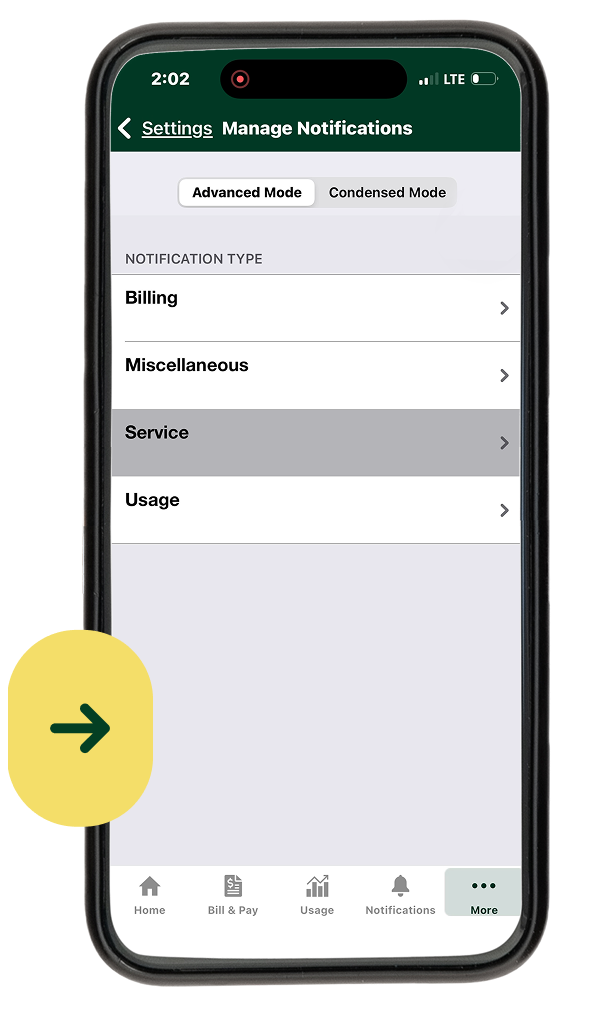
Service
Step 5
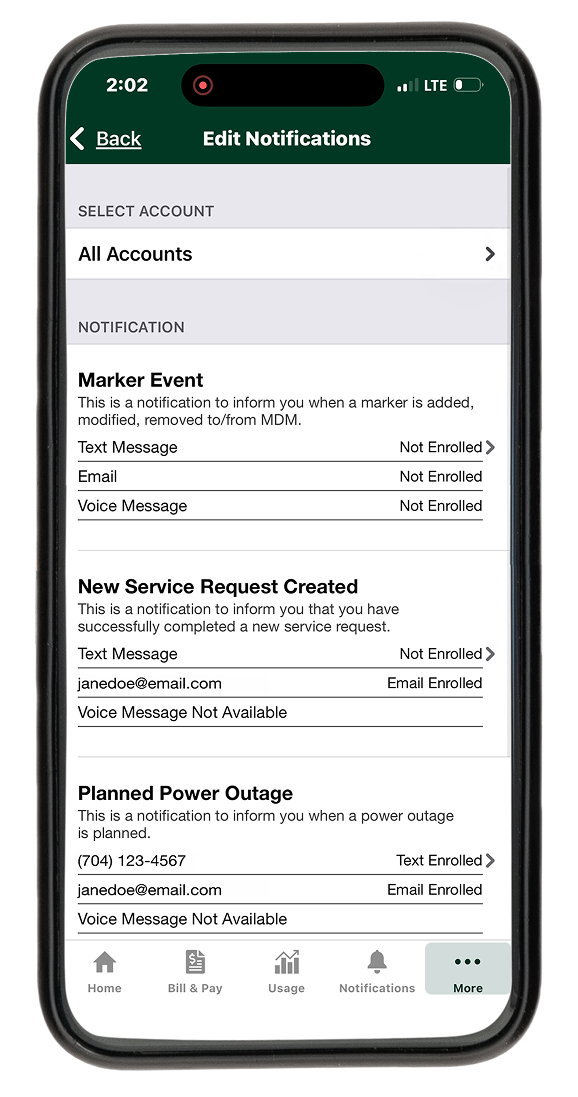
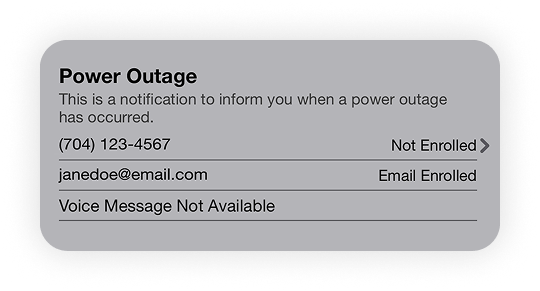
Click the tile for the notifications you prefer.
Step 6
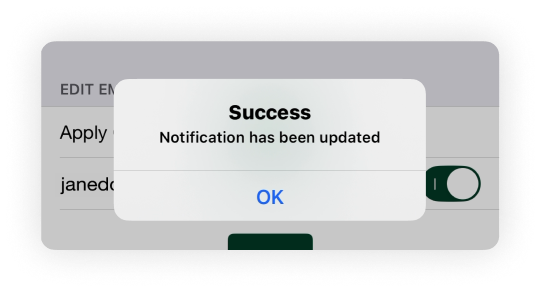
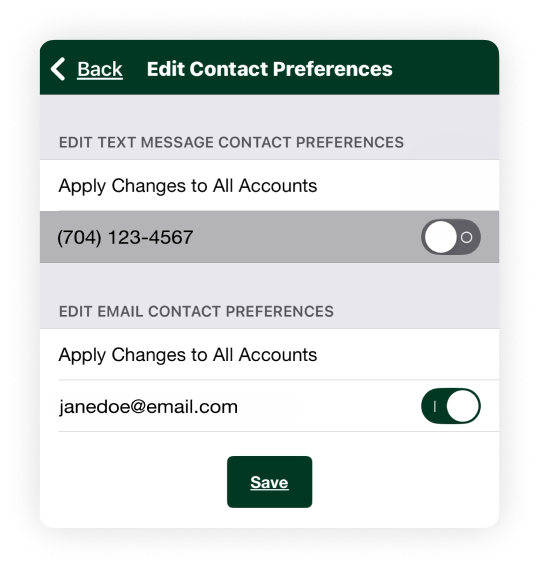
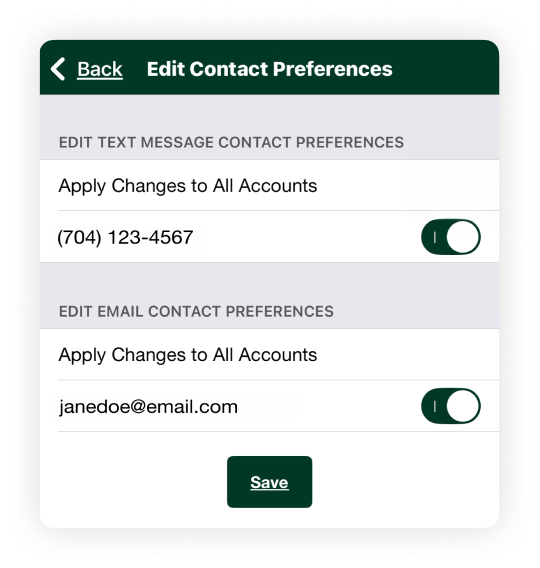
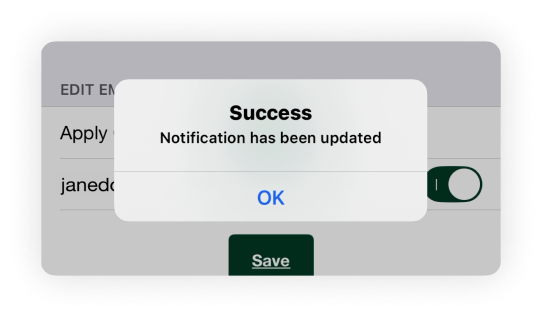
Enter your phone number and email, and save.
Step 7
Repeat steps 5 – 6 for each type of outage alert notification